Case study
The Saint Line
In previewThis site, rebuilt as The Saint Line: a career told as a train line, with case studies you can chat through and an AI that only answers from what's public.
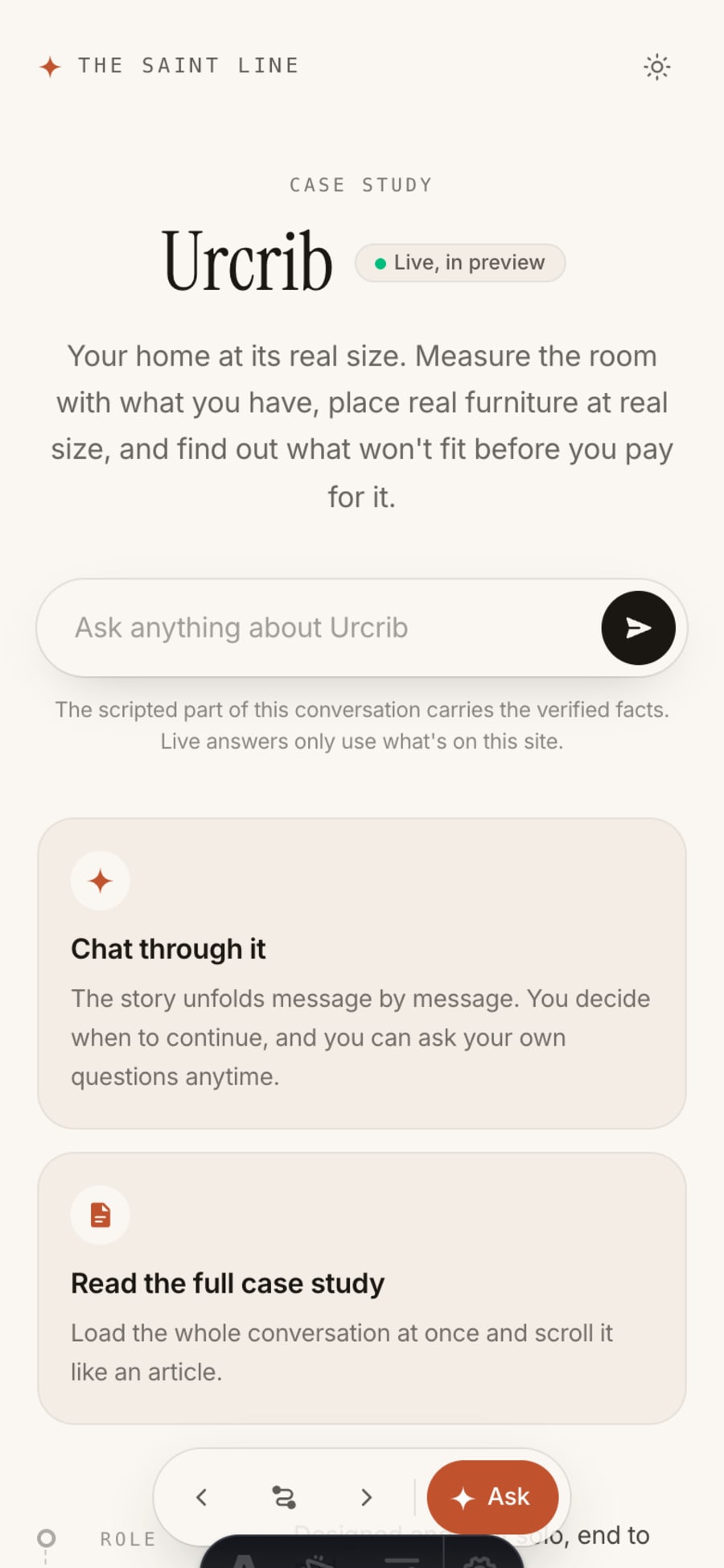
The scripted part of this conversation carries the verified facts. Live answers only use what's on this site.
Hi, this is The Saint Line, the site you're on. I rebuilt madebysaint.xyz so the work is easy to find and the theme stays out of the way. Ask about any of it, or just scroll.
Wait, this site is a case study?
Thought for 2s
It is. This is madebysaint.xyz, rebuilt as The Saint Line: my career told as a train line, where every job is a station and every product I shipped is a stop you can board. I designed it, wrote it and built it. The old site was a single-page React app that looked fine to people and showed search engines and link previews an empty page. This one ships real HTML for every page.
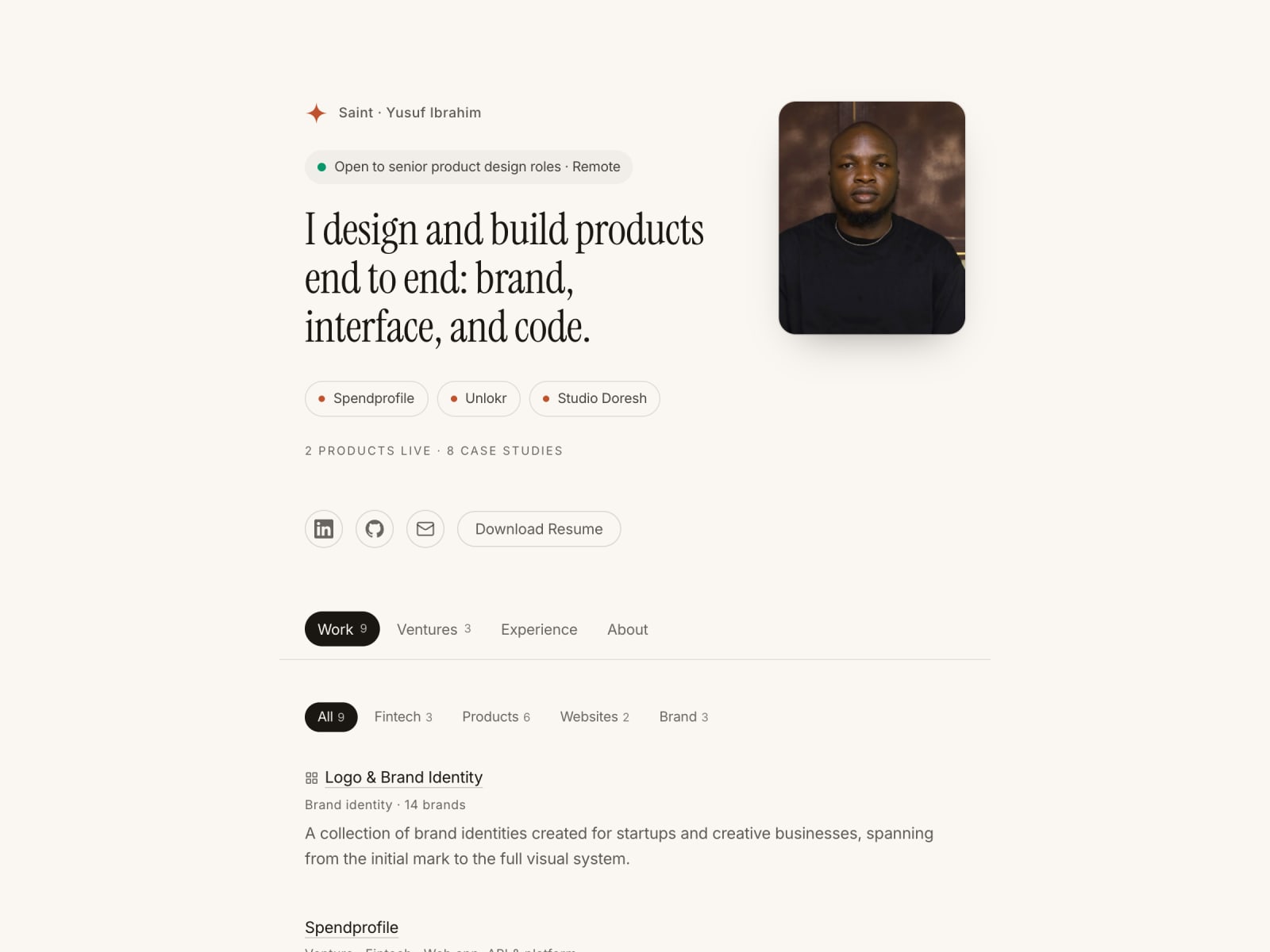
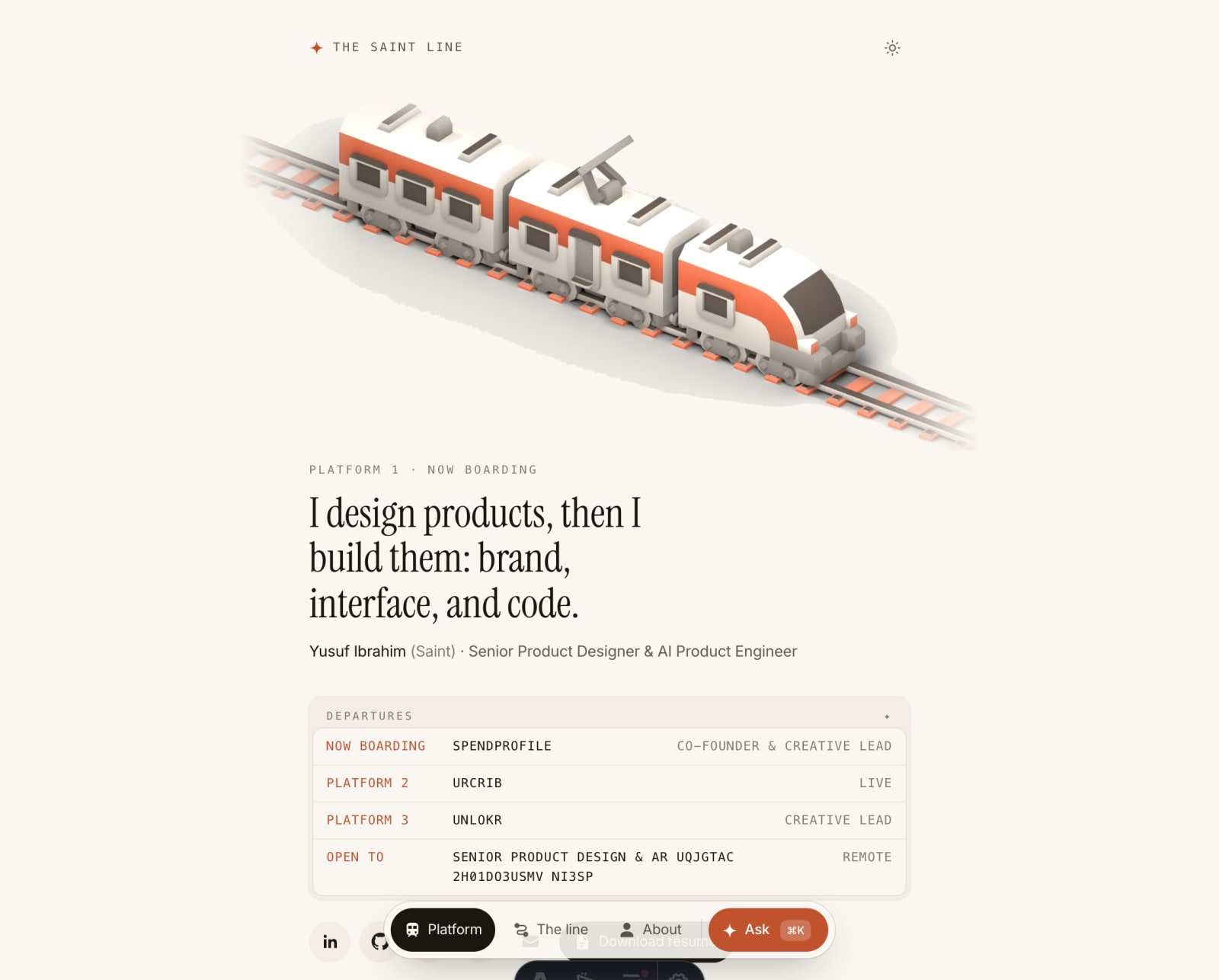
Then · Before
A client-only React app. Google and LinkedIn got an empty root div, so links shared without a preview and case studies didn't show up in search.
Now · Now
Astro, prerendered. Every page is real HTML with its own title and preview; JavaScript only loads for the parts you play with.
Why rebuild a portfolio that already worked?
Thought for 3s
Because three things mattered more than how it looked. A recruiter should understand who I am in eight seconds: I design products, then build them. Case studies should show decisions, not galleries. And crawlers should see the real content. The rule for the move was that nothing could be lost: every page, paragraph and image from the old site had to come across, and every link already out there had to keep working.
- pieces of old content, each checked in the new build
- 569pieces of old content, each checked in the new build
- old URLs, all still working
- 10old URLs, all still working
Why a train?
Thought for 4s
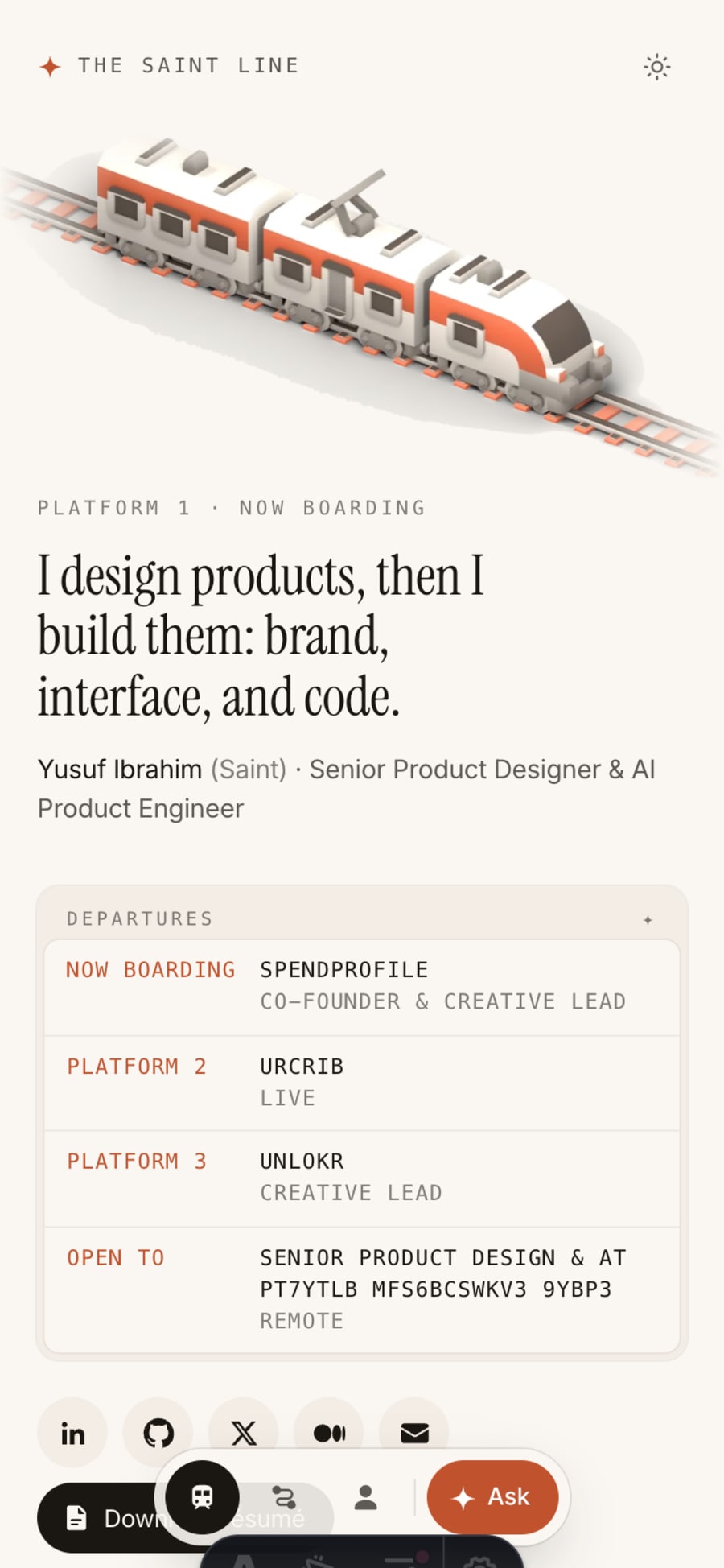
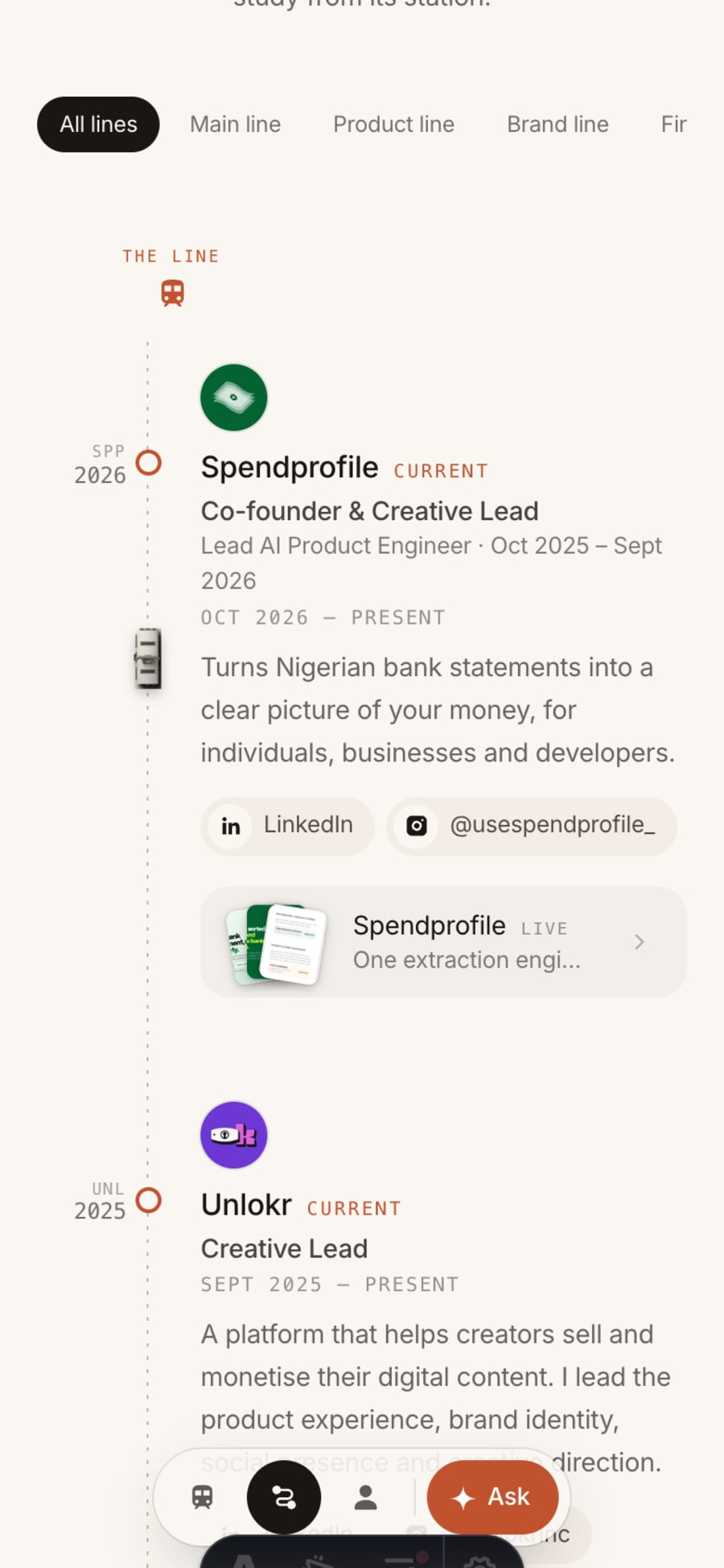
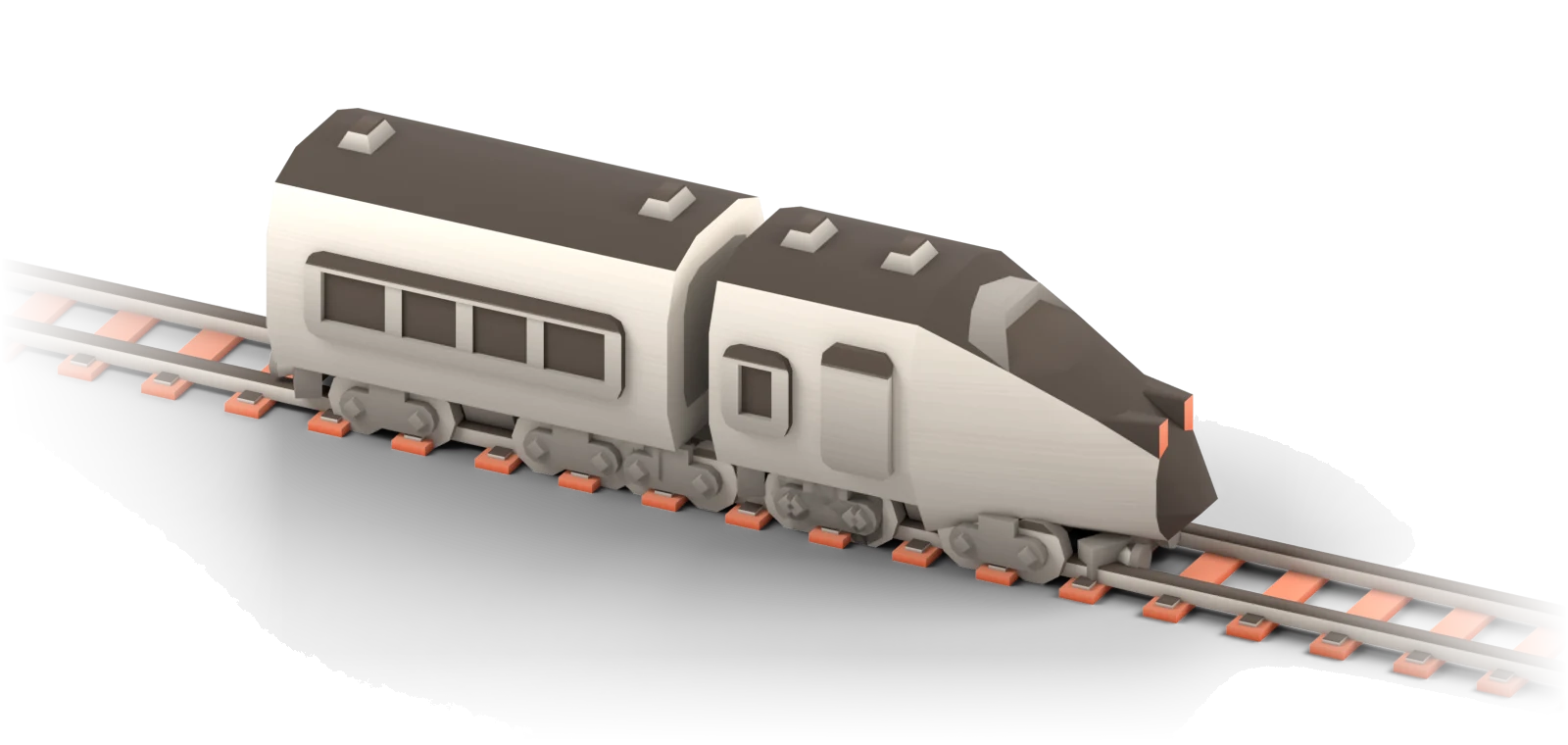
A career reads like a line: you board somewhere, you stop, you change, you keep going. So the site uses the language of a journey without getting in the way. You tap a ticket to enter, the home page is a platform with a departures board, and the line page is a map of stations, newest first, with the work I shipped at each one. The trains are the free Kenney Train Kit, recoloured to my palette and rendered in Blender.
Didn't the theme get in the way?
Thought for 2s
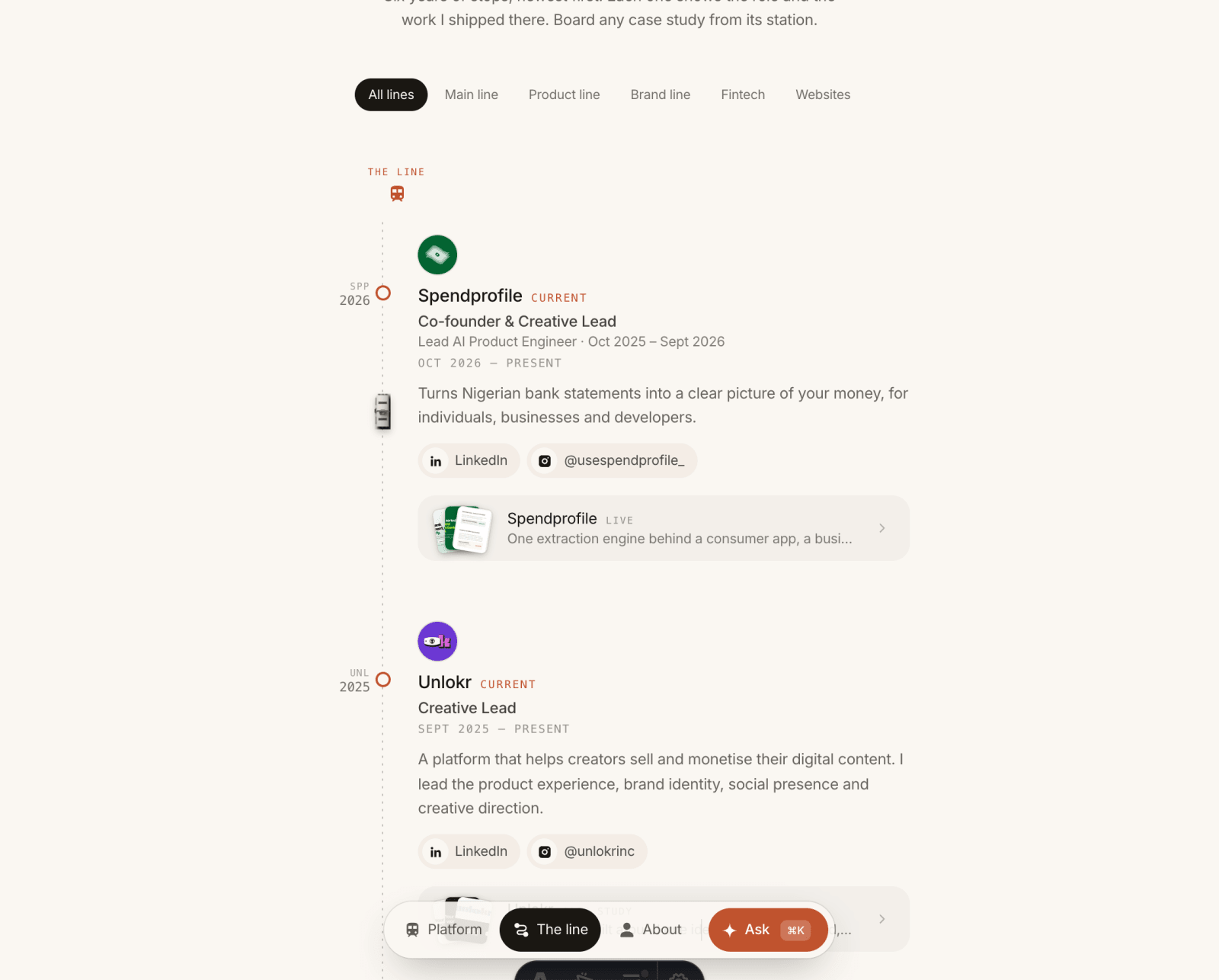
At first, yes. The first version put the whole journey on one long page, and it felt overpopulated. So I split it into three pages: the platform, the line and the window seat. Then I kept cutting: the rails through the career list went, one train stayed, and the product images got smaller. The theme now frames the work instead of competing with it.
Then · First pass
Gate, window, map and terminus on one page, with rails, a 3D scene and every case study competing for attention.
Now · Now
Three pages, one idea each. The career list is plain and readable, and the train rides a dotted line in the margin.
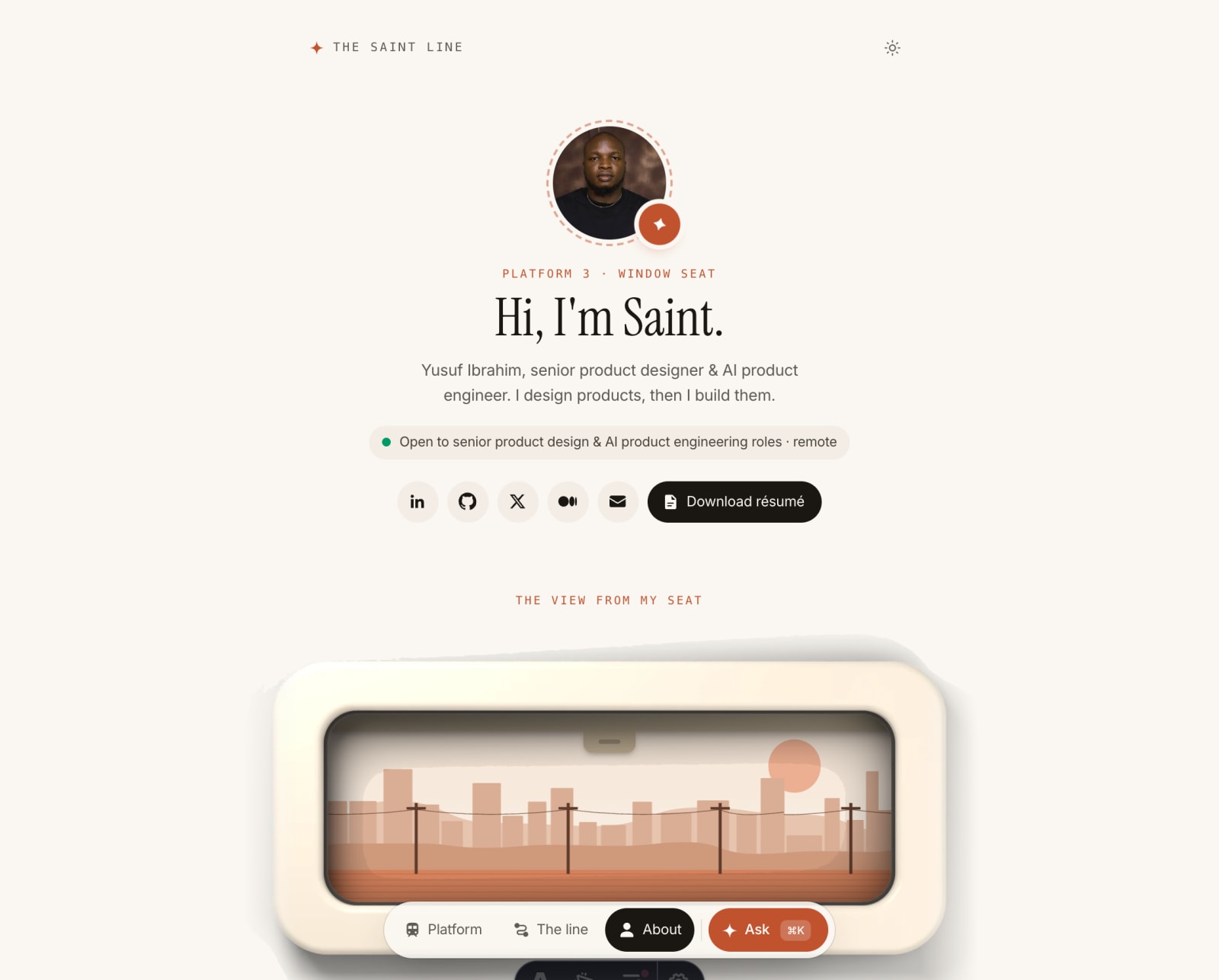
Doesn't a ticket gate slow people down?
Thought for 3s
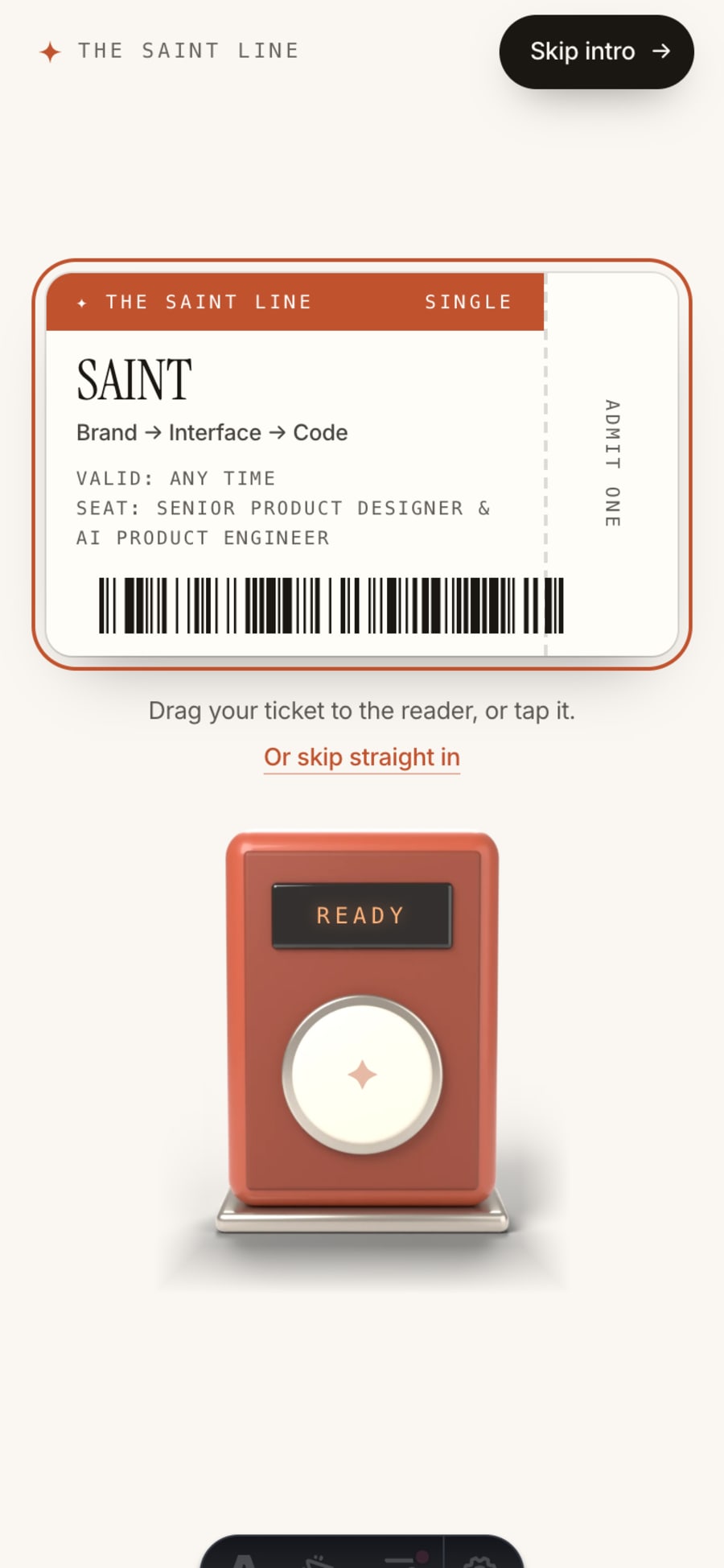
It would, if everyone met it. The gate only shows on a first visit by a person. Search engines, link previews, people without JavaScript, people who prefer reduced motion and anyone coming back go straight in. And it never traps you: a Skip intro button sits at the top, there's a second skip under the ticket, and Escape works too.
The ticket and the reader. Drag the ticket, tap it, or skip.
["The ticket and the reader. Drag the ticket, tap it, or skip.","The reader reads it, the screen slides up, and you're on the platform.","Remembered on this device: straight to the platform.","Never see it. The page underneath is already fully rendered HTML."]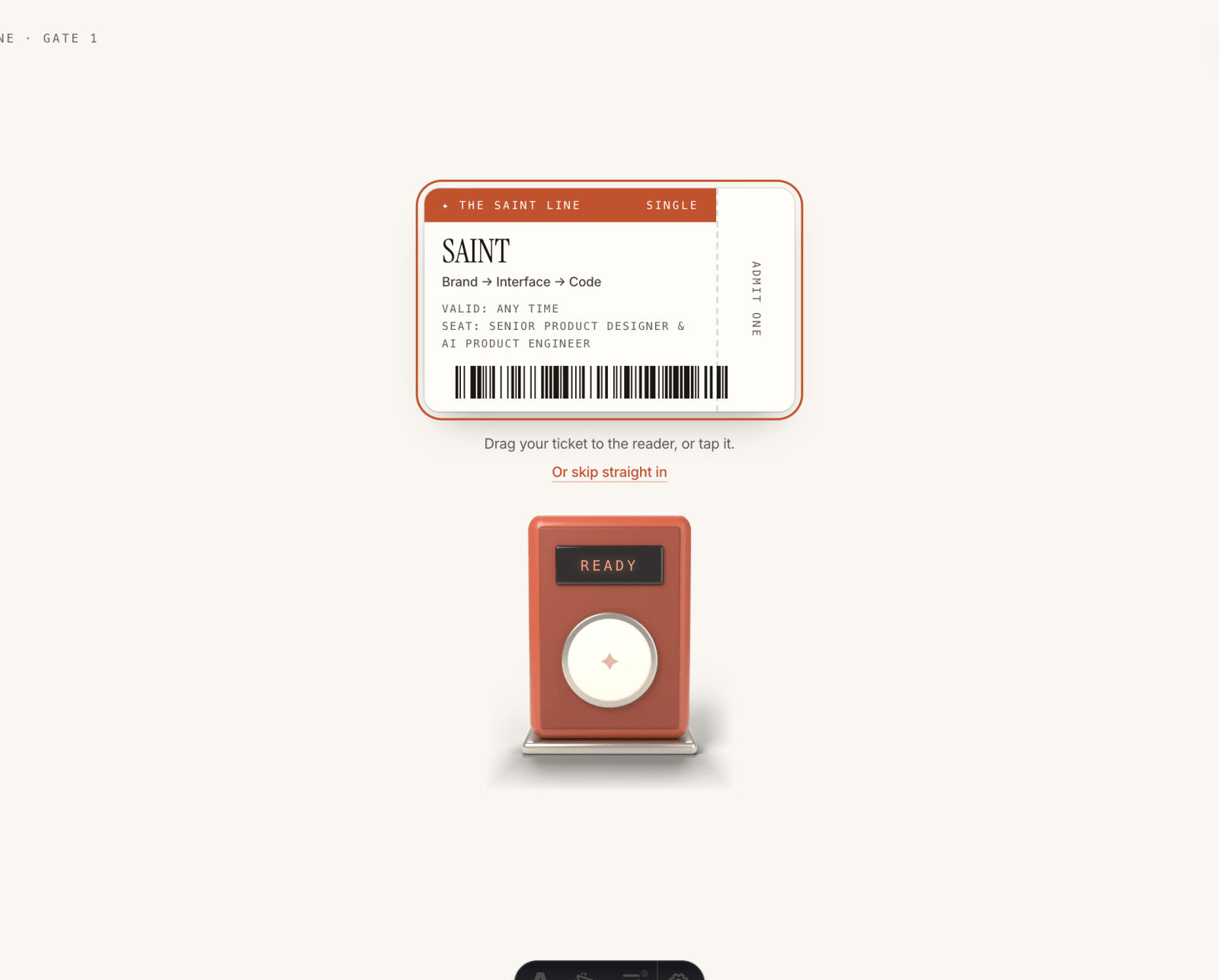
Why do the case studies read like a chat?
Thought for 4s
Because a case study is really a set of questions a reviewer has. So each one is written as a question, a straight answer, then the proof: real screens, a snippet of code, a number, or a small demo you can play with. You can chat through it one message at a time, or read it all at once with contents that follow you down the page.
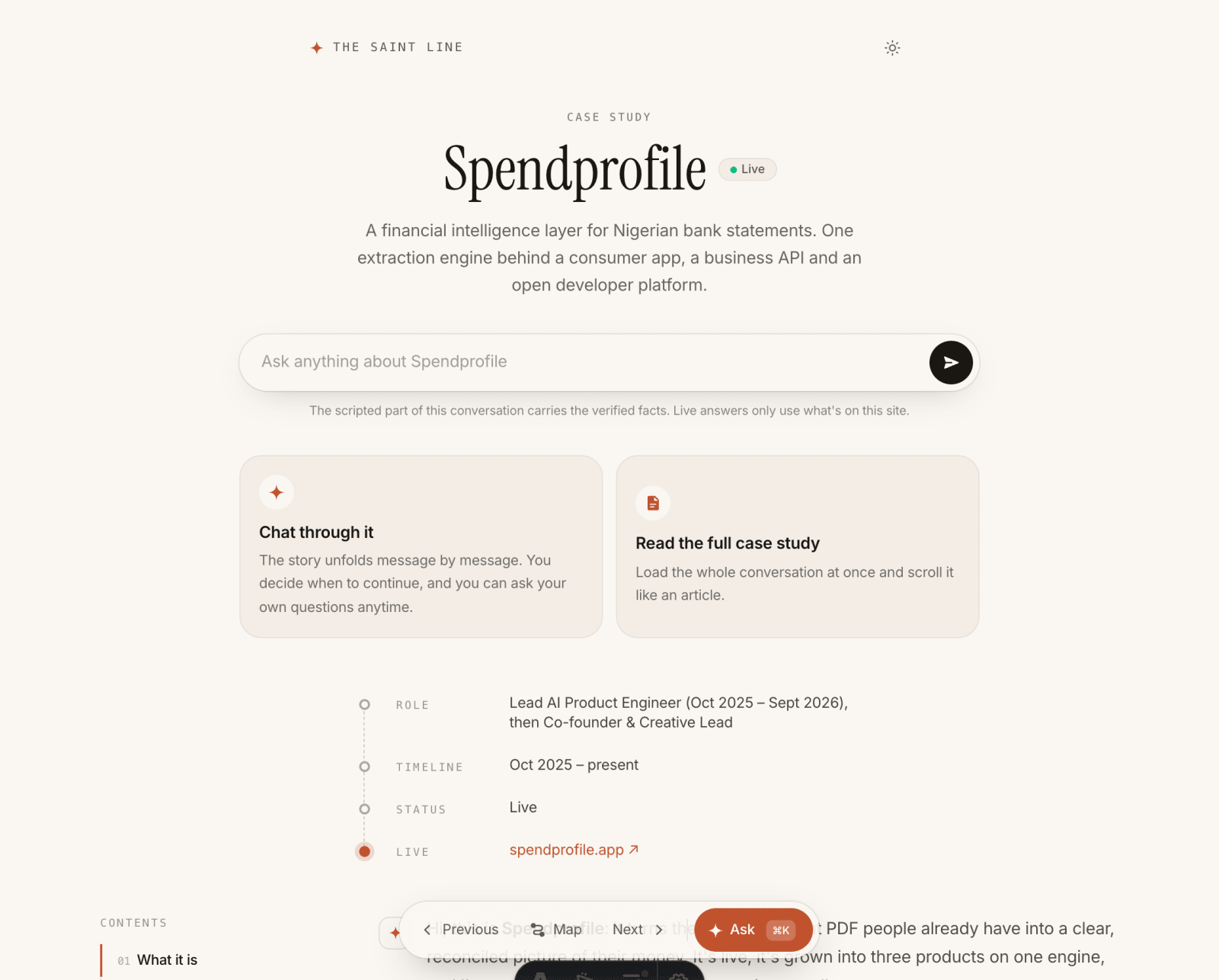
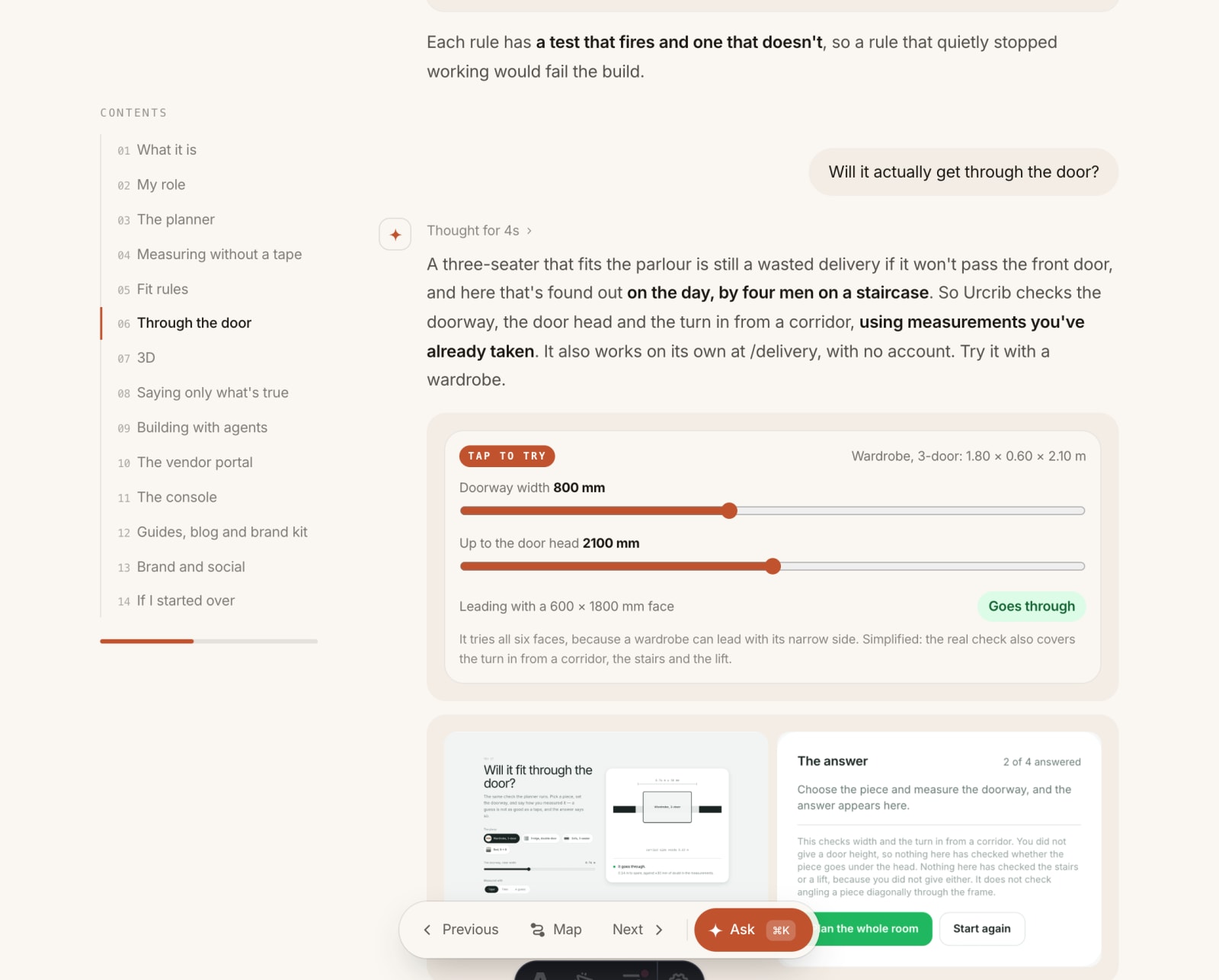
- One format, two ways to readChat mode and reading mode render the same blocks, so nothing is written twice.
- Proof under every answerScreens, stats, before-and-after, code and demos are typed cards, checked when the site builds.
- Real screensRetaken from the products themselves, not reused from old decks.
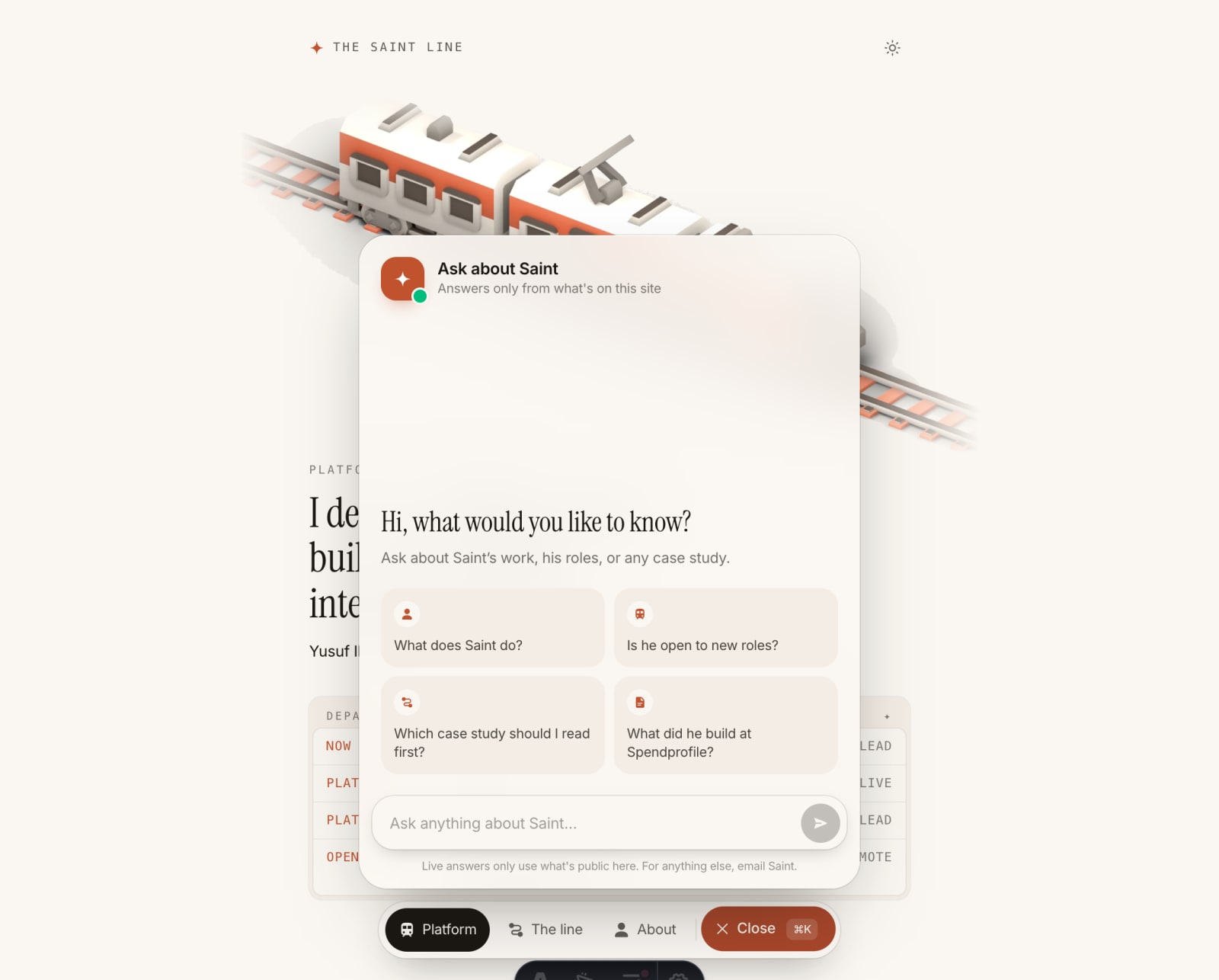
Can I trust the AI chat?
Thought for 2s
That was the brief I gave myself. It answers only from what's already public on this site. Before a question reaches the model, a screen catches the ones it should never answer: private details, clients under NDA, how the site is built inside, and attempts to make it ignore its rules. Questions are capped in length and rate-limited. If live answers are unavailable, it still helps: it falls back to answers written in advance, and says so.
- questions per visitor every 10 minutes
- 10questions per visitor every 10 minutes
- characters per question, at most
- 500characters per question, at most
- Public facts onlyIts context is the site's own text: the about page, the career line and the case studies.
- Screened firstPrivate topics get a polite no before any model is called.
- Honest when offlineAnswers from memory are labelled "Answered from memory".
How do you show signed-in products without exposing anything?
Thought for 3s
I never sign in to a live product to take a screenshot. I run each app locally on its own sample data, and I leave out any screen whose figures could read as real business numbers. Code goes through the same filter: when a Spendprofile excerpt showed how its private engine works, I took it out and made the demo run on illustrative numbers instead.
- Sample data, run locallyVendor portals and consoles are shown on the data their own repos ship for testing.
- No revenue on screenPayments, usage and revenue screens stay out, even when the numbers are made up.
- No private codeOnly code that's safe to publish, and never thresholds or rules a product depends on.
How was it built?
Thought for 4s
With an AI coding agent working from a brief I wrote first: the goal, the content to carry over, and ground rules it couldn't break. Never publish to the live site. Never invent a number, client or quote. Never state my location. Banned words for the copy. Then I reviewed each case study before the next one started, and kept a hand-off document current so any agent could pick the work up cold.
## 2. Ground rules (non-negotiable)

- Work on branch redesign/train-line. Never push to prod.
- Keep every URL working. Same slugs.
- Never invent numbers, clients, quotes or outcomes.
  If a figure isn't in the repo, write [NEEDS: what's missing].
- Ask Saint before deleting content or changing a fact.
“When you are done with this case study, stop. We review and iterate before moving to another.”
The review rule I set
If you started over, what would you do differently?
Thought for 2s
I'd settle the content format before the theme. The conversation format came after the first case study, and moving to it meant rewriting. I'd keep the hand-off notes from day one, not halfway. And I'd test the chat from every kind of page before shipping: a single misplaced condition once broke live answers on the case studies while the home page worked fine.
- Content first, theme secondDecide how a case study is told before deciding how the site looks.
- Write the hand-off as you goThe next person, or agent, shouldn't have to rebuild your context.
- Test every page typeA feature that works on one page isn't proven on the others.
Thinking
The scripted part of this conversation carries the verified facts. Live answers only use what's on this site.